
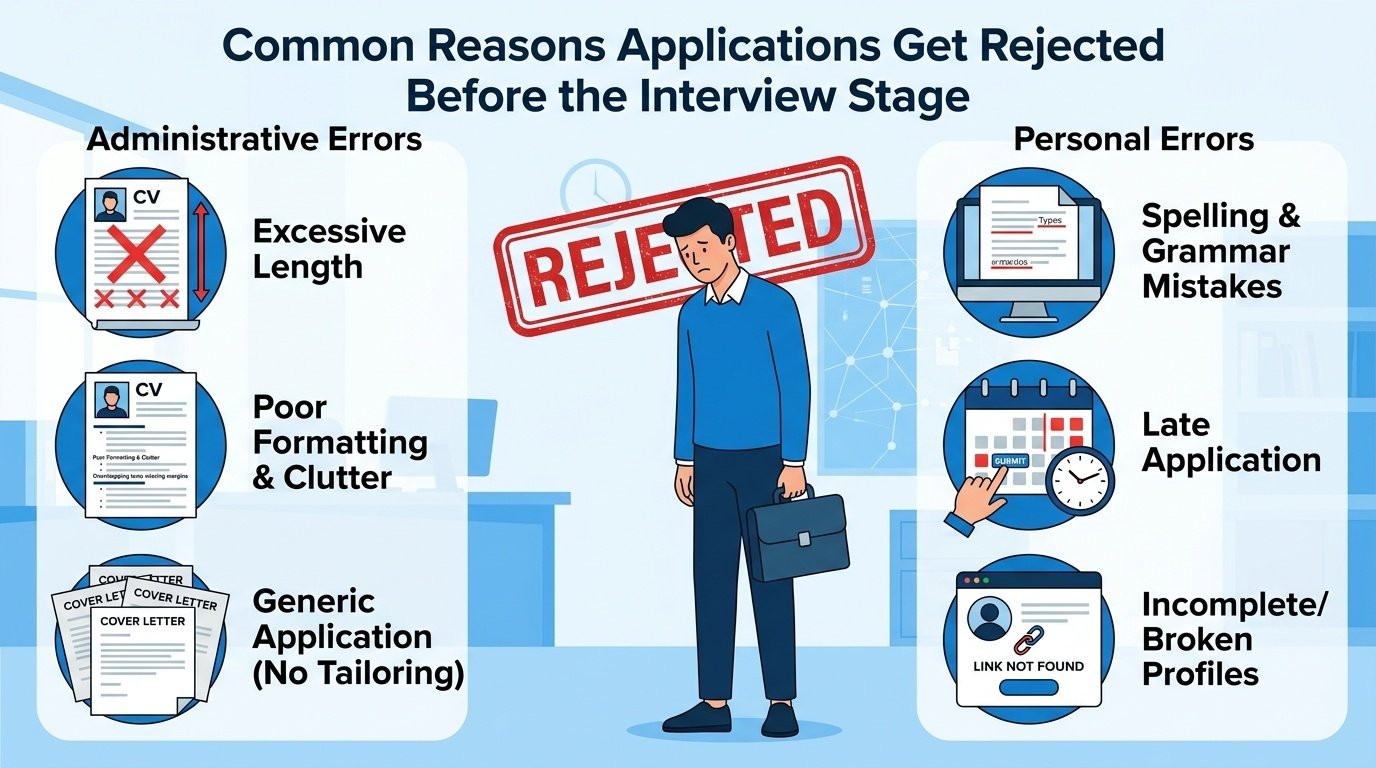
You send out 50 applications. You get 3 replies. It’s tempting to assume the market is just brutal right now — and it is, to some extent — but a large chunk of those 47 silent rejections happened before anyone read a single word of your resume. Somewhere between 75-88% of resumes submitted through large company career portals get filtered by an Applicant Tracking System (ATS) before a human recruiter ever opens them. The rest get cut in a 10-second human skim for reasons that have nothing to do with your actual capability.
This article covers the specific, fixable reasons applications get rejected at this pre-interview stage — not vague “make your resume better” advice.
Table of Contents
- ATS Filtering — What It Actually Checks
- Formatting Mistakes That Break ATS Parsing
- Keyword Mismatch With the Job Description
- Application Form Mistakes Beyond the Resume
- Human Screening Red Flags (Once You Pass the ATS)
- How to Actually Fix This Before Your Next Batch of Applications
- FAQ
- Final Takeaway
ATS Filtering — What It Actually Checks
An ATS (used by most companies with 100+ employees — Naukri-integrated systems, Workday, Greenhouse, SAP SuccessFactors) parses your resume into structured data: name, contact info, education, skills, work history. It then either ranks resumes by keyword match against the job description, or applies hard filters (minimum CGPA, specific degree, required certifications) set by the recruiter before a human sees anything.
This means two resumes with identical actual qualifications can get completely different outcomes based purely on formatting and keyword choices — which is frustrating, but also means it’s fixable without changing your actual experience.
Formatting Mistakes That Break ATS Parsing
These are structural issues that cause an ATS to misread or completely drop sections of your resume:
- Tables and text boxes for layout — many ATS parsers read left-to-right, top-to-bottom in a single column; content inside tables or text boxes often gets scrambled or skipped entirely
- Headers/footers containing key info — if your contact details are in a header, some parsers miss them completely
- Non-standard section titles — “My Journey” instead of “Work Experience,” or “What I Bring” instead of “Skills” — ATS systems look for standard section headers and may fail to categorize creatively titled sections
- Images, icons, or graphics for skill ratings — a 4-out-of-5-star graphic for “Excel proficiency” reads as nothing to an ATS; it needs to be text
- Unusual fonts or heavy design templates — Canva-style resumes with columns, icons, and colored sidebars look good to a human eye but frequently parse incorrectly through ATS software
- Saving as an image-based PDF — if your PDF was exported from a design tool as a flattened image, there’s no selectable text for the ATS to read at all
Quick test: Open your resume, select all text (Ctrl+A), and copy-paste it into a blank text document. If the result is jumbled, missing sections, or out of order, that’s roughly what the ATS is seeing too.
Keyword Mismatch With the Job Description
Even a clean, ATS-friendly resume gets filtered out if it doesn’t contain the specific terms the ATS (or the recruiter’s manual keyword search) is scanning for. This is the single most common reason a qualified fresher gets silently rejected.
Example: A job description asks for “proficiency in MS Excel including pivot tables and VLOOKUP.” A resume that just says “good with Excel” may not match, while one that specifically lists “Excel (Pivot Tables, VLOOKUP, INDEX-MATCH)” scores higher — even if both candidates have identical actual skill levels.
How to fix it, per application (takes 5 minutes):
- Copy the job description into a text file
- Highlight every specific tool, skill, qualification, and certification mentioned
- Check your resume against that list — if you genuinely have the skill but phrased it differently, rewrite it to match the JD’s exact wording
- Never add a skill you don’t actually have just to match keywords — this backfires hard in the interview round
Application Form Mistakes Beyond the Resume
A surprising number of rejections happen in the application form itself, before the resume is even weighted:
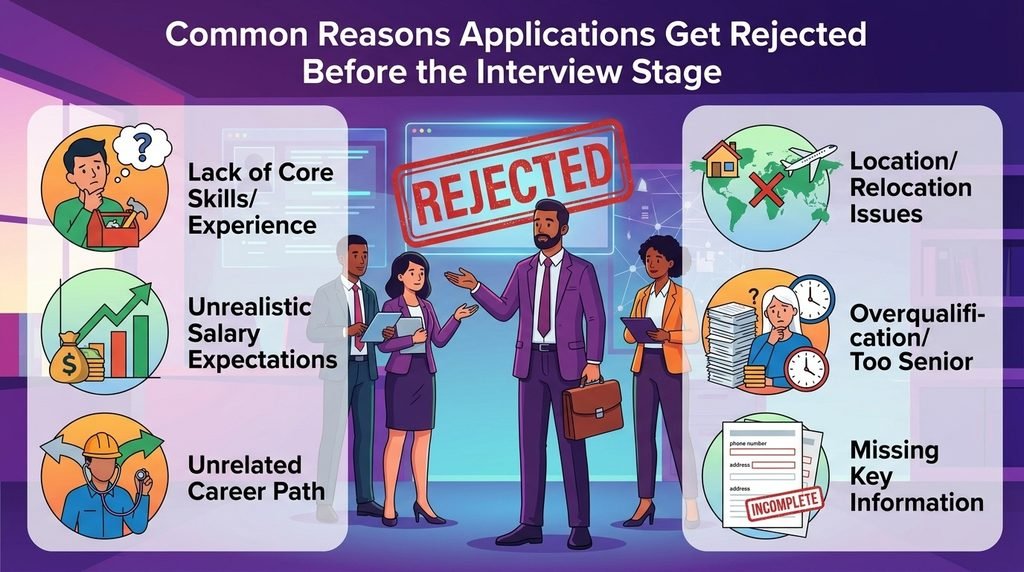
- Skipping “optional” fields that aren’t really optional — fields like expected salary, notice period, or willingness to relocate are sometimes used as hard filters even when marked optional
- Inconsistent information — resume says B.Tech 2026, application form says 2025; this kind of mismatch triggers manual review flags or automatic rejection in stricter systems
- Generic or copy-pasted “Why do you want this role” answers — when application forms include this field, a generic answer (“I want to grow my career and utilize my skills”) is an instant signal of a mass-applied, non-serious application
- Wrong file naming or format — some portals reject non-PDF uploads outright, or flag resumes named “Resume(1)_final_FINAL.pdf” as unprofessional in manual review stages
Human Screening Red Flags (Once You Pass the ATS)
If your resume clears the ATS, a recruiter typically spends 6-8 seconds on the first human scan. These are the most common reasons a resume gets rejected in that window:
| Red Flag | Why It Hurts |
|---|---|
| Unexplained gaps with no context | Recruiters assume the worst without any explanation, even a one-line one |
| Resume longer than 1 page for a fresher | Signals poor judgment on relevance and prioritization |
| Spelling/grammar errors | Read as carelessness, especially for roles involving communication or client-facing work |
| No quantified achievements anywhere | Reads as vague; recruiters scanning fast look for numbers as anchors |
| Unprofessional email address | A small thing that still shapes first impression within seconds |
| Skills list padded with irrelevant tools | Dilutes the signal of your actual relevant strengths |
| Generic, unedited resume for every application | Recruiters familiar with a specific JD can often tell within seconds when a resume wasn’t tailored |
How to Actually Fix This Before Your Next Batch of Applications
- Run your resume through a plain-text copy-paste test to catch ATS parsing issues
- Rewrite your skills section to mirror the exact terms in each job description you apply to — this alone often has the biggest impact on ATS scoring
- Cut your resume to one page if it’s currently longer, prioritizing your strongest 2-3 projects over listing everything
- Proofread with a tool or a second person — don’t rely only on your own read-through, since errors in your own writing are easy to miss
- Fill every application field seriously, including “optional” ones, especially salary expectations and notice period if asked
- Keep a master resume, then create a tailored version for each application by adjusting the summary and skills section — 5-10 minutes per application, but meaningfully improves match rate
Final Takeaway
Most application rejections at this stage have nothing to do with whether you’re “good enough” — they’re mechanical: parsing failures, keyword mismatches, and formatting choices that never reach a human’s judgment at all. Before sending out your next batch of applications, run the plain-text copy-paste test on your resume and check one job description’s keywords against your skills section. That fifteen-minute fix often does more for your response rate than another round of resume redesign.